wordpress侧栏tab选项卡制作教程
十度 wordpress 2015年12月20日
收藏
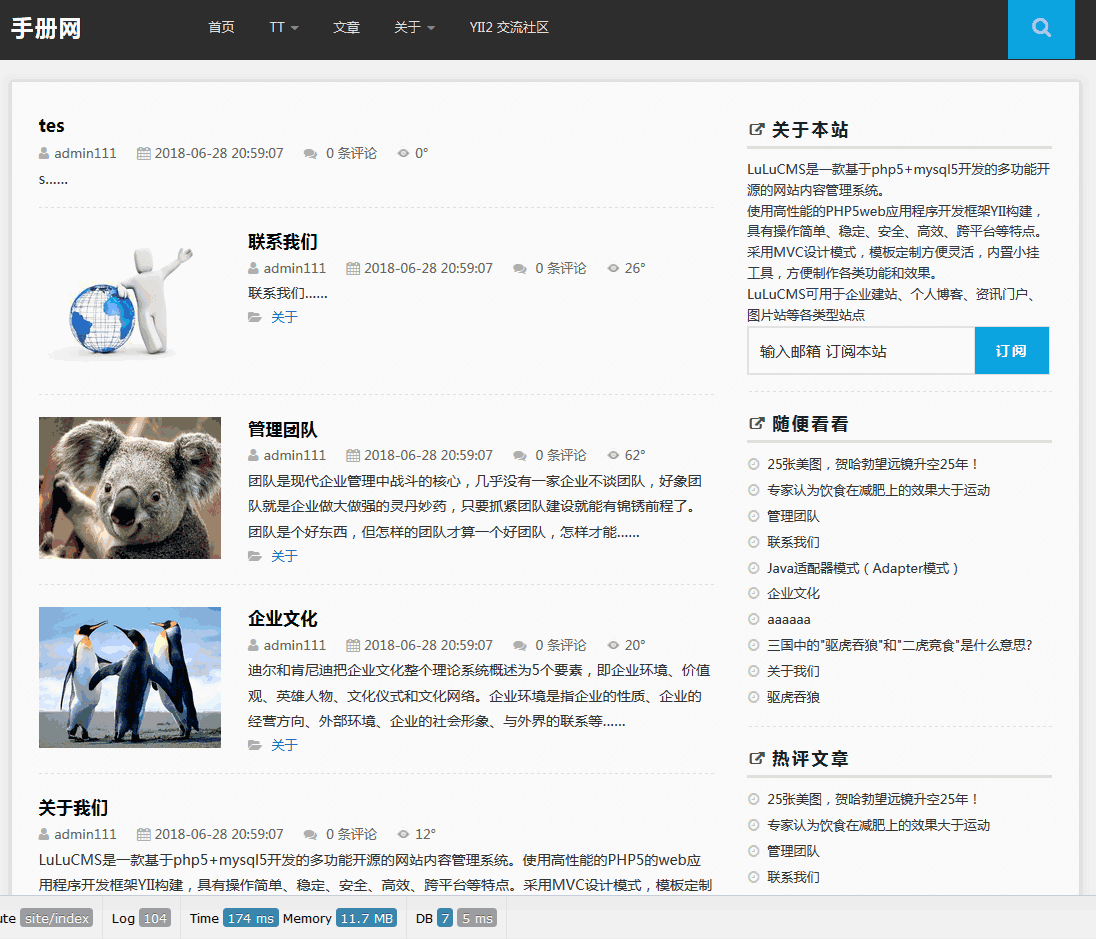
wordpress侧边栏如果选项过多就是显得很长,不利于整体外观的展示,而且有些选项是可以合并的,使用tab选项卡来切换就会显得更加美观与简洁。本文以把最新文章、热评文章、随机文章放在一个tab选项卡里,这样就能轻松实现我们想要的!(如下图)
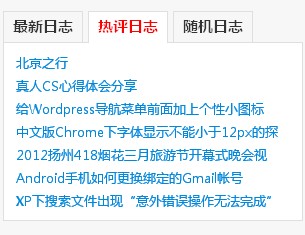
步骤如下:
第一:将下面的代码的复制到主题的function.php文件中。这个是获取热评日志的函数,这里有专门文章介绍:WordPress热评日志的调用
// 获得热评文章
function simple_get_most_viewed($posts_num=10, $days=60){
global $wpdb;
$sql = “SELECT ID , post_title , comment_count
FROM $wpdb->posts
WHERE post_type = 'post' AND TO_DAYS(now()) – TO_DAYS(post_date) < $days
ORDER BY comment_count DESC LIMIT 0 , $posts_num “;
$posts = $wpdb->get_results($sql);
$output = “";
foreach ($posts as $post){
$output .= “\n<li><a href= \"".get_permalink($post->ID)."\" rel=\"bookmark\" title=\"".$post->post_title." (“.$post->comment_count."条评论)\" >". mb_strimwidth($post->post_title,0,30)."</a></li>";
}
echo $output;
}
第二:将下面的代码保存为r_tab.php,放到主题的文件夹下面。
<h3><span class="selected">最新日志</span><span>热评日志</span><span>随机日志</span></h3>
<div id="tab-content">
<ul><?php $myposts = get_posts('numberposts=10&offset=0′);foreach($myposts as $post): ?>
<li><a href="<?php the_permalink(); ?>" rel="bookmark" title="详细阅读 <?php the_title_attribute(); ?>"><?php echo cut_str($post->post_title,30); ?></a></li>
<?php endforeach; ?></ul>
<ul class="hide"><?php simple_get_most_viewed(); ?></ul>
<ul class="hide"><?php $myposts = get_posts('numberposts=10&orderby=rand');foreach($myposts as $post): ?>
<li><a href="<?php the_permalink(); ?>" rel="bookmark" title="详细阅读 <?php the_title_attribute(); ?>"><?php echo cut_str($post->post_title,30); ?></a></li>
<?php endwhile;endif; ?></ul>
</div>
第三:打开sidebar.php,将下面的代码插入合适位置
<div id="tab-title"><?php include('r_tab.php'); ?></div>
第四:JQuery控制切换的代码
<script type="text/javascript">
jQuery(document).ready(function(){
jQuery('#tab-title span').click(function(){
jQuery(this).addClass(“selected").siblings().removeClass();
jQuery(“#tab-content > ul").slideUp('1500′).eq(jQuery('#tab-title span').index(this)).slideDown('1500′);
});
});
</script>
第五:CSS
#tab-title .selected{color:#000;font-weight:bold}
#tab-title span{padding:5px 18px 8px 1px;border-right:0px;margin-left:-1px;cursor:pointer;}
#tab-content .hide{display:none;}
#tab-content ul{padding:5px 10px;overflow:hidden;border-right:1px solid #ccc;border-left:1px solid #ccc;background:#fff;}
#tab-content ul li{line-height:25px;list-style:none}
好了,这样应该就能达到想要的效果了,当然实际效果还要自己根据自己的主题进行微调。
推荐文章